About
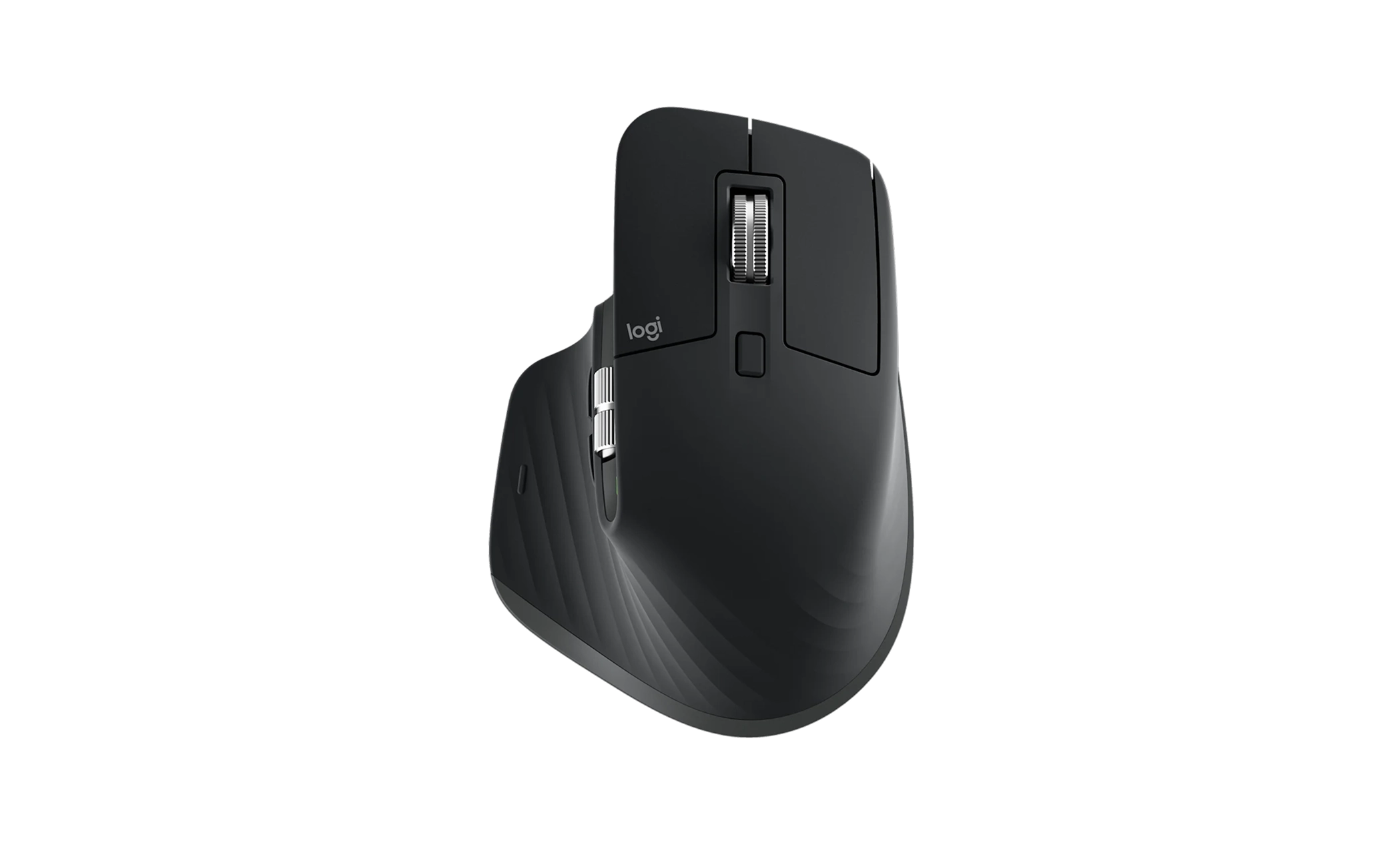
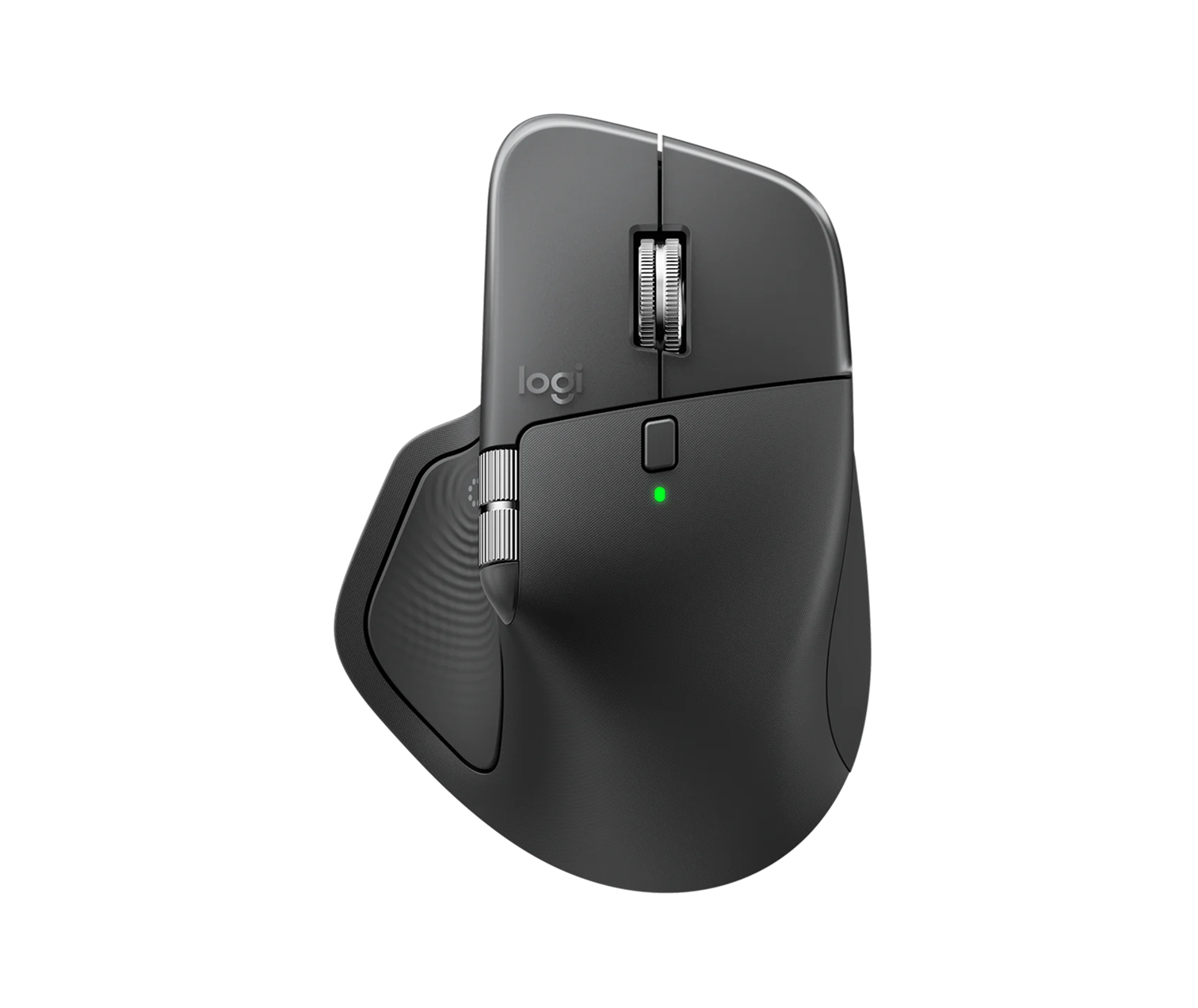
A mouse tells you nothing. It clicks, it scrolls, and every other piece of feedback comes back through the screen. The MX Master 4 puts a haptic panel under the thumb rest so the hardware can answer: a pulse when an image snaps to a grid, when a slider passes a stop, when a notification lands.
Half of that is hardware and half is software. The panel vibrates; Logi Options+ decides which actions earn a pulse and how firm it should be, with plug-ins for Photoshop, Lightroom and Zoom. On Windows 11 the mouse is wired into the operating system's own Advanced Haptics, which Logitech says is a first for a productivity mouse. The same thumb opens the Actions Ring, a small menu of tools that appears around the cursor rather than up in the toolbars. Logitech's Ergo Lab tested 37 MX Master users across eight desktop actions in 2025 and measured up to a third less time spent and up to 63 percent less mouse movement.
Underneath sits a Darkfield sensor running from 200 to 8,000 DPI in 50 DPI steps, which tracks on glass so long as the glass is at least 4 millimetres thick. The scroll wheel is machined steel and weighted, switching between a ratcheted click and a free spin that covers 1,000 lines a second. A USB-C Logi Bolt receiver handles the connection. The charging cable is not included, on the assumption you already own several.
- Designed in
- Switzerland

- Materials
- Battery
- 650 mAh, up to 70 days
- Fast charge
- 3 hours of use from 1 minute
- Weight
- 150 g
- Dimensions
- 128 x 88 x 51 mm
- Controls
- 8 buttons, thumb wheel for sideways scroll
Figures as published by the manufacturer. Source