Standing desk setup: one well-made piece for each job
A standing desk setup built one job at a time: the Branch Duo desk, a Humanscale M 8.1 arm, the Anglepoise 1227 lamp, a riser and the Happy Hacking Keyboard.
A standing desk setup only works if every object on the desk can follow it through a 20-inch change in height, and most desk furniture assumes a surface that never moves. These five each do one job: hold the weight, hold the screen, lift the laptop, light the work and take the typing.
Read them in order and each one answers a problem the one before it creates. A desk that rises needs a screen that rises with it. The laptop beside that screen needs lifting to match. The lamp has to reach a surface that changes height twice a day, and the keyboard has to be small enough to leave room for everything else.
1.Duo Standing Desk
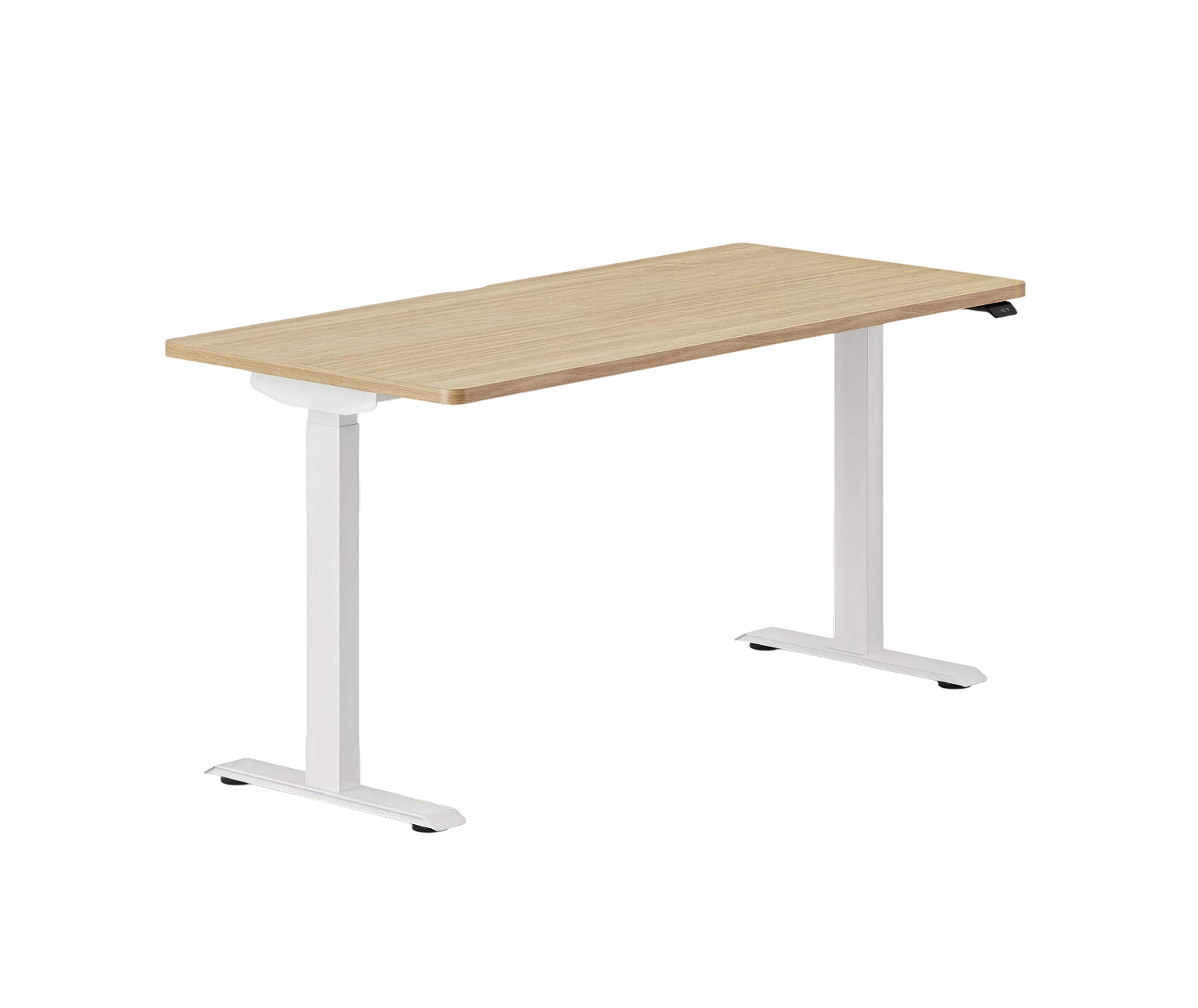
A frameless base, so nothing runs between the legs to catch a knee or a chair arm.
The Duo travels from 28 inches to 47.8 inches on two motors, one in each leg, and carries 275 pounds. A single-motor desk drives its second leg through a shaft under the top. Put a motor in each leg and the shaft goes.
Most standing desks also brace their legs with a steel crossbar. Branch left it out. The brackets screwed into the desktop do the bracing instead, which is why the underside reads as open space in a small room. Two sizes: 36 by 24 inches, or 48 by 24.
The control is a paddle with an OLED readout. Pull it up and the desk rises; push it down and it lowers, showing the height as it goes. Two memory buttons store a sitting and a standing height. Collision detection stops the motors when the top meets something on the way down, and on most desks that something is a chair back or an open drawer.
The paddle also nags. It carries sit-stand reminders, and they exist for a plain reason: a standing desk nobody raises is an expensive table.
Branch covers the frame for ten years and the motors for three. The top is laminate over MDF, on powder-coated steel legs.
2.M 8.1
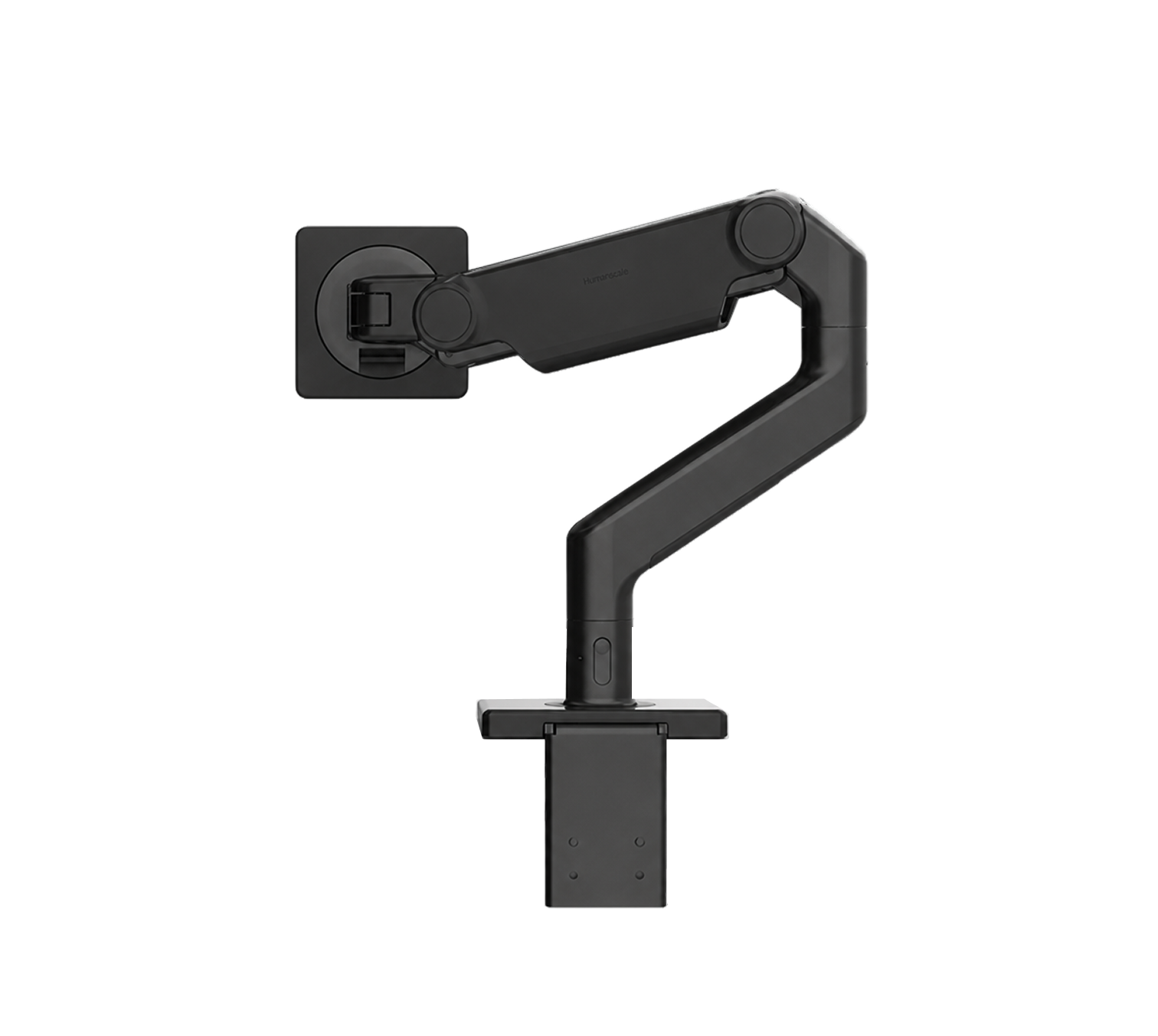
A spring you tune once to the weight of your screen, after which the arm holds any position you leave it in.
On a standing desk the monitor rides up and down with the top, and the arm decides whether it lands at eye level or an inch off forever. Humanscale built the M 8.1 around a weight-compensating spring. You tune it to the load during setup, and a counterbalance indicator on the arm tells you when the setting matches, so the whole job happens before the screen goes on. After that, one hand moves it.
Smart Stop is the part worth knowing about. You can cap each joint anywhere along its swing, so the arm never pushes the monitor past the desk edge or into the wall behind. Set those limits once and the arm keeps to them at every height.
It holds one screen from 6 to 28 pounds. Add the optional crossbar and it takes two, up to 12 pounds each. The VESA plate fits 75 mm and 100 mm bolt patterns, the two sizes most monitors use.
The clamp splits in two, so it fits on a desk pushed flat against a wall, and it grips a top up to 2.8 inches thick. Humanscale runs the joints on self-lubricating bearings. There is nothing to tighten, nothing to oil.
With the screen floating, the surface under it comes back. On a 24-inch-deep top that is most of the depth.
3.Laptop Riser
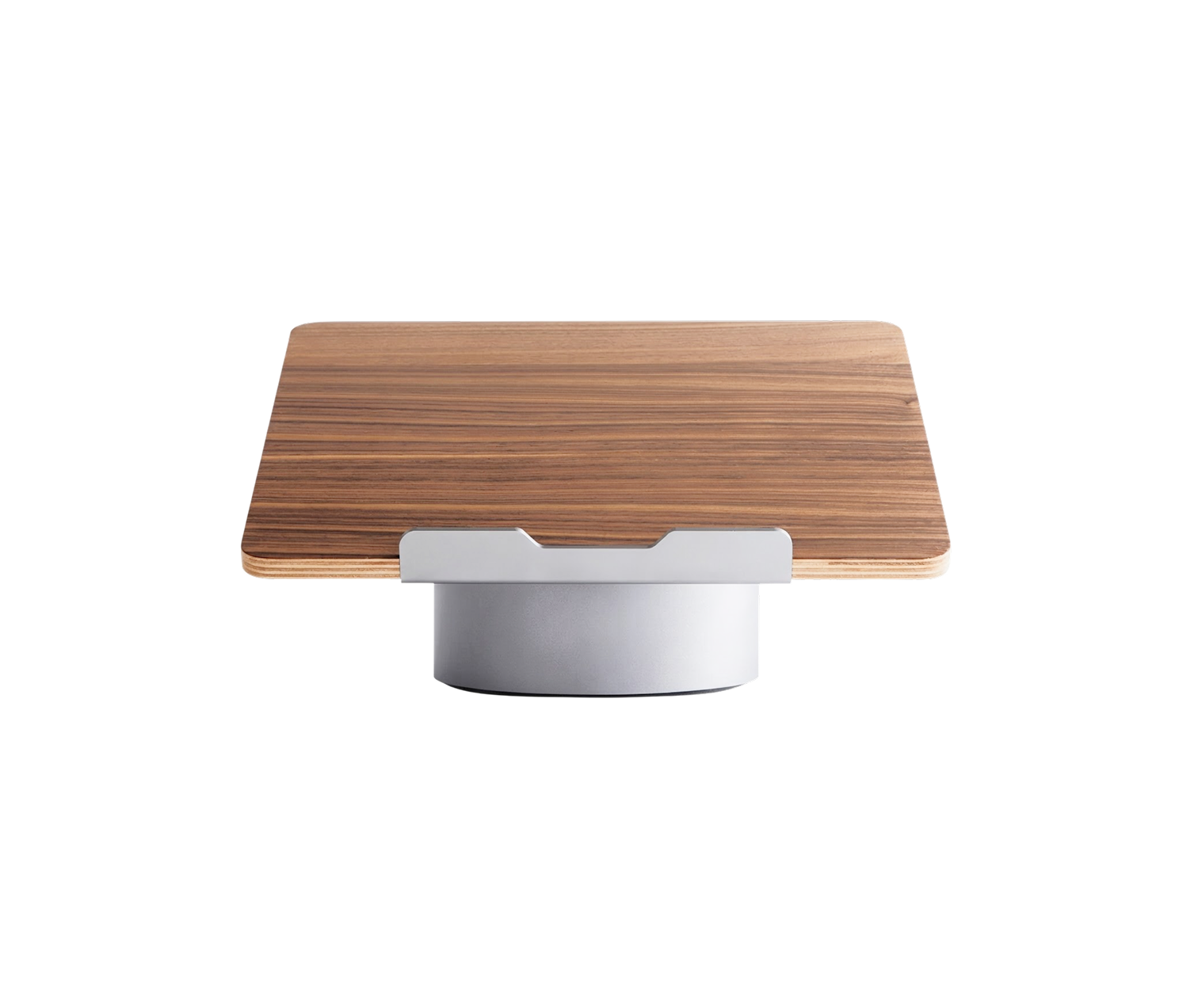
The one object here that serves two devices: a laptop in the morning, an iPad on a call in the afternoon.
A laptop joins its screen and keyboard at the hinge, so one of them always sits at the wrong height. The HumanCentric riser settles it for the screen. It tilts the laptop to 25 degrees, bringing the display up toward the monitor beside it, and hands the typing to a separate keyboard lower down.
Black walnut veneer over plywood makes the platform, on an anodized aluminium base in space grey, the same finish as a MacBook. HumanCentric also sells it with a maple top. Both are real veneer, so no two risers share a grain.
It takes laptops up to 16 inches, the size of the largest MacBook Pro. Beside an arm-mounted monitor, the laptop turns into a second screen for mail, chat or a reference document while the monitor holds the work.
The base is a small round foot instead of a full plate. On a 24-inch-deep desk already holding a keyboard, a mouse and a lamp, the riser asks for little more room than the laptop does.
No hinge, no knobs, nothing to work loose. The angle is the angle. HumanCentric makes desk shelves and stands in the same walnut and aluminium, so the set can grow without clashing.
In the evening the laptop comes off and goes in a bag. The riser stays behind and props up an iPad just as well.
4.Original 1227 Desk Lamp
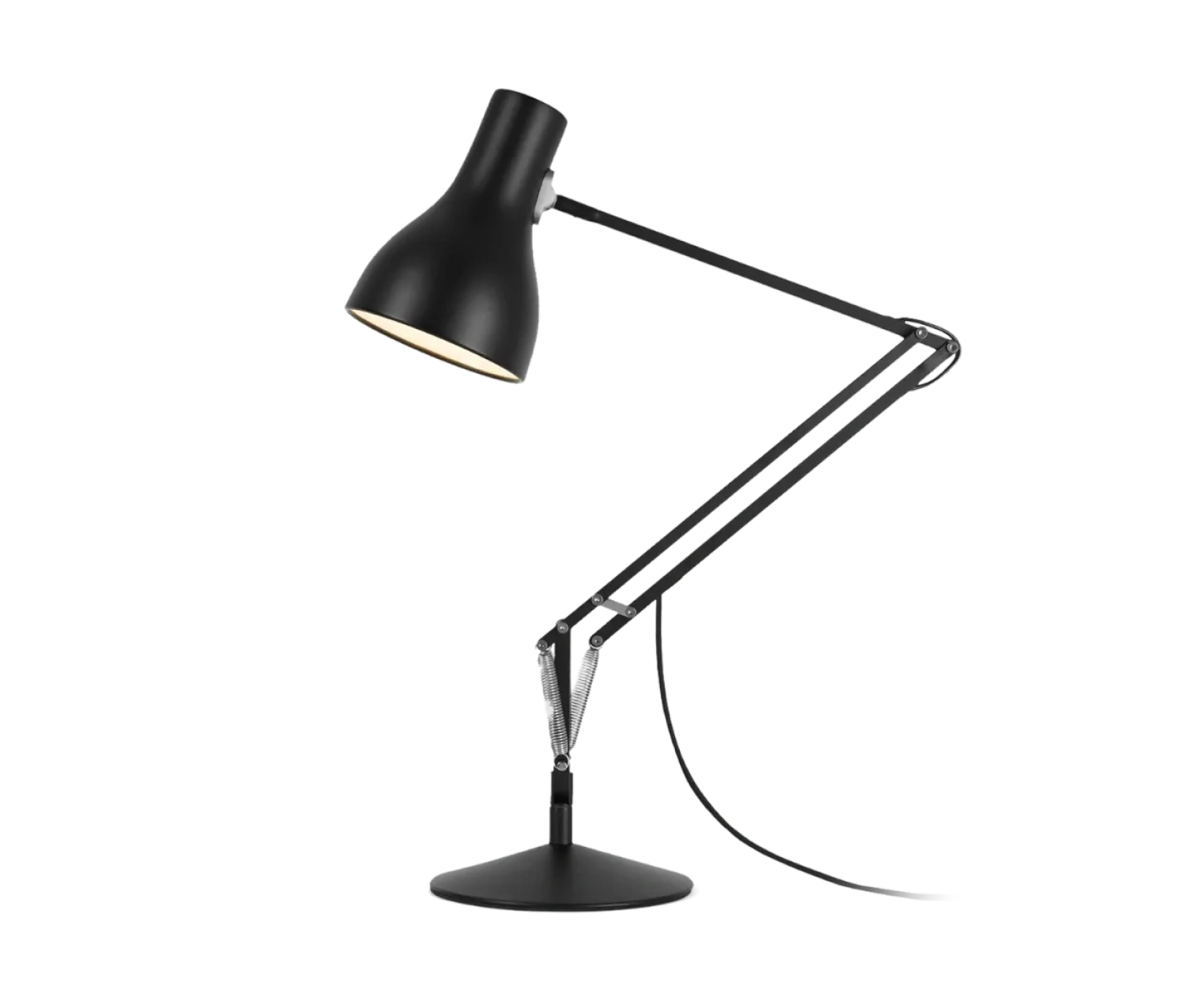
Three springs, balanced in 1935, and the reason the light can follow a desk that changes height.
George Carwardine was an automotive engineer when he worked out a spring that would stretch in any direction and hold its place. He licensed it to the springmakers Herbert Terry and Sons, whose first lamp, the four-spring Model 1208, went to workshops. In 1935 the 1227 followed with three springs and a stepped base, drawn for the home. The lamp Anglepoise makes today is that design.
Those springs are why it suits a standing desk. A lamp fixed at one reach lights the work at one height and misses it at the other. The 1227's arm reaches from 44 cm to 72 cm and holds wherever you put it, so when the desk rises you pull the shade up after it and let go.
Cast iron under a steel cover makes up the base, heavy enough that the arm can lean far out over the desk without tipping. The arms and the 14 cm shade are aluminium; the fittings are chrome plated.
In the box is a 10 W LED bulb with a standard E27 screw, rated at 806 lumens and 2700 K, the warm end of white and close to an old filament bulb. Any E27 bulb fits if you want something brighter or cooler.
A two-metre cable with a switch on it reaches a floor socket from a desk at full height.
Of the five, it is the only object that looks nothing like office equipment. On a desk of aluminium and laminate, the eye goes to it first.
5.Happy Hacking Keyboard Professional Classic

Sixty full-size keys and nothing else, so the mouse fits beside it on a shallow desk.
A standing desk top is often only 24 inches deep, and a full keyboard with a number pad pushes the mouse out past your shoulder. The Professional Classic keeps full-size keys but drops the number pad, the function row and the separate arrow cluster. Sixty keys remain. The mouse comes back in beside it, under your right hand.
The layout goes back to Eiiti Wada, a computer scientist and emeritus professor at the University of Tokyo. In the 1990s he watched programmers relearn a different keyboard every time they changed computers, and he argued for one small, fixed layout instead. PFU built it with him. The first model, the KB01, went on sale in the winter of 1996 in a run of 500, on membrane switches, and sold out.
Today's board runs on Topre switches. Under each key a rubber dome sits over a conical spring, and the board reads the press by a change in capacitance, with no metal contacts to strike. The domes take 45 grams to press and PFU rates them for 50 million presses. The keycaps are PBT with dye-sublimated legends, which will not rub off.
Control sits where Caps Lock sits on most boards, and six DIP switches on the underside set it up for Mac or Windows without any software. It connects over USB-C.
It is not a low-profile keyboard. Each row has its own sculpted profile, and the feet set at three heights, so at a standing desk the hands sit higher than on a laptop. Set the desk a touch lower when you type and the wrists come level again. HHKB has made this shape for nearly thirty years, and it also appears in the deep work starter kit.
Where the chair fits
Most people still sit at a standing desk for most of the day. The chair is the sixth piece, and it has a post of its own: ergonomic office chairs for long hours.
How we chose
We built this setup outward from the desk, one job at a time, and kept only objects that still work when the surface moves 20 inches twice a day. That ruled out fixed monitor stands and lamps with a single reach, and it made desk depth the constraint for the keyboard, so we chose the smallest layout that keeps full-size keys. Every figure in the post comes from the maker or, where the maker publishes nothing, from two sellers that agree. No pick carries a spec panel, because fit and feel decide a desk setup more than a column of numbers.
About the author

Justin Farrugia
Founder & Editor of Curated Supply
Justin Farrugia is the founder and editor of Curated Supply, a design-led directory to things worth owning. He has personally curated over 1,000 products across workspace, carry, coffee, audio, and the home, each judged against one standard: design intent, material quality, and the restraint that lets a thing last.